
How to help your primary schooler learn new skills via healthy tech use
Kerina De Floras Felix
author parentcircle author parentcircle author parentcircle author parentcircle author parentcircle author parentcircle author parentcircle author parentcircle author parentcircle author parentcircle author parentcircle author parentcircle
Can children learn and benefit from technology? The answer is yes. The key to finding the right balance between the online and offline worlds is letting them enjoy both

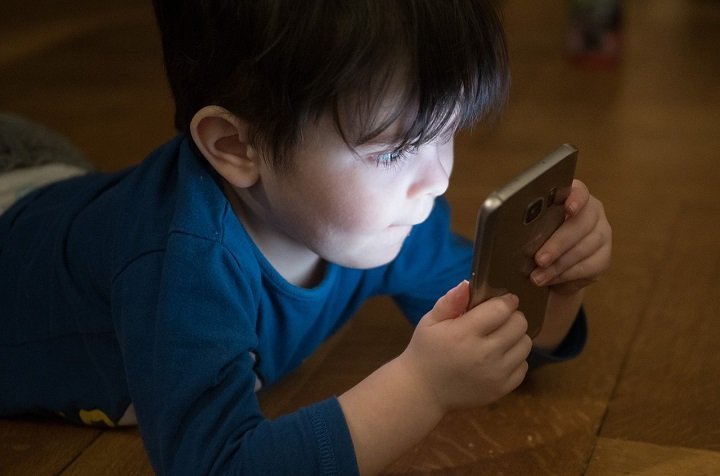
Digital technology and screen time are a part of life for children and teenagers today. While the common assumption among parents and caregivers is that technology is bad for children, it doesn’t have to be so. When used in the right way, it can be a part of a healthy lifestyle. How? Technology use must be balanced with other activities that are essential for your child’s development, like reading, playing outdoors, art and craft activities, and more. This article will talk about how you can help your primary schooler make the best use of technology, along with other activities to develop good habits and learn essential skills.
Helping your child find the right balance with technology
Do you wonder how you can help your child limit screen time and urge them to focus on other activities? Rather than worrying about cutting down on their screen time forcefully, you can show them how to use technology to enhance their playtime and learning. To do this, you need to make sure that your child:
- spends quality time on physical activities like sports, creative activities like pretend play, reading, and spending time with family and friends
- watches good-quality content during their screen time
- gets sufficient good-quality sleep.
Tips to make technology a part of a healthy lifestyle
Helping children appreciate experiences in the real world while also letting them explore the digital world will encourage them to balance their time in both the online and offline worlds. How can you nudge them toward this goal? Here are a few tips.
Discuss ground rules
Make a family plan and come to an agreement with your child about when, how, and where your child can use technology. For example, they can use devices after dinner or after school (when), to complete an assignment or learn how to play an instrument (how) in the living room (where).
Set up tech zones and device-free zones
Decide on places where they can use technology, like the living room or their room, and also where they need to put away their devices, like at the dining table. Make sure that the tech zones you have created have enough space for your child to move around during breaks.
Give them access to good-quality content
Introduce your child to apps, games, or shows that enhance their learning process. For example, an app that helps them compose music or keep track of their pocket money.
Discuss screen-time rules
Help your child understand your expectations of their screen time. You can discuss:
- if any particular apps, games, or TV shows are off-limits and why
- what information they cannot share online (personal data, location, house address, phone number)
- who they can communicate with online (friends, family, people they know)
- the consequences of rule-breaking (no screen time after school or no playing online before homework)
Get to know what they do online
Children might not give straight answers to “What are you doing on your phone all the time?” Instead, get to know their interests, and ask them, “Can you show me how to play this game?” You can also watch their favorite shows or movies with them, and appreciate them when they cross a level in a game or educational app.

Encourage short screen sessions
Urge them to take breaks between screen time to get up and move around. You can use a timer to set breaks and plan an activity your child likes when the timer ends, like playing outside. Encourage physical activities during screen time as well. For example, you can take a walk with them while showing them how to navigate to a place from your house using a digital navigation app.
Talk to them about online risks
Talk to your child about what you do online and encourage them to do the same. Help them feel comfortable talking to you about any bad experience online. You can ask, “Whose video do you enjoy watching?” or “What online game do you like the most?” Explain that not all information they read online is true. Help them think critically about the authenticity of the news or information they are reading.
Safe Online PracticesChildren are prone to the following types of online risks:
Protect your child from harmful or inappropriate activities or content online by talking to them about safe online practices.
|
Urge them to take part in offline activities
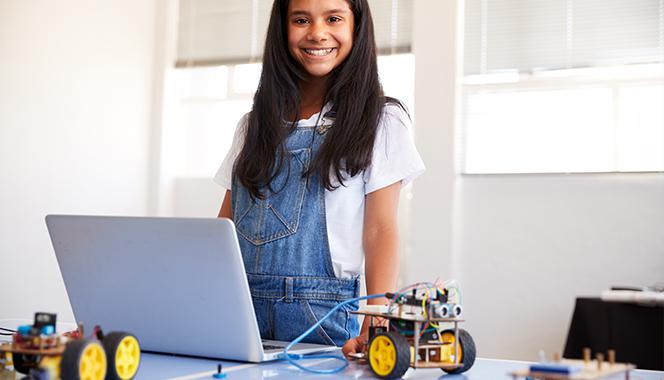
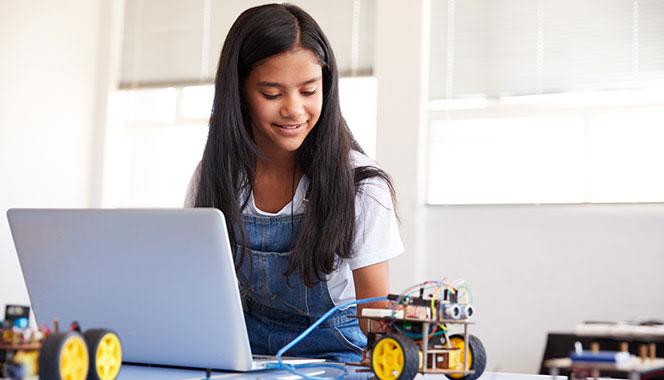
Let them dance, build circuits, play a sport, or take part in creative activities like storytelling, pretend play, and drawing. You can engage them indoors with play dough, sensory bins, or simply a cardboard box. Otherwise, put on some music and groove with them. Look for digital apps that can help them learn while engaging in physical activity. For example, when you go on a walk with your child, ask them to take pictures of the insects they see, and identify them by looking up their name online or with the help of a learning app.
Make sure they enjoy a good night’s sleep
The World Health Organization (WHO) recommends 11 to 14 hours of good-quality sleep for children under the age of 2, and 10 to 13 hours for ages 3 to 4. Children between the ages of 5 to 8 need 9 to 11 hours of good-quality sleep, while preteens and teens require 8 to 10 hours of sleep.
Using Technology For LearningHere are a few examples of how you can help your child use technology for learning.
|
It’s important to let your child follow their individuality and independence as they explore the online world. You can spend time with them every day to understand what they do online, and also grow along with them as they explore and discover more of the digital world.
The Dot pre-primary curriculum enhances positive classroom behaviours like focus, confidence, and communication and social skills. The program also provides step-by-step guidance, instructional resources, and tools for teachers to set them up for success.

























Comments
Edit
Comment Flag
Cancel Update