
Educational Apps For Young Children: Do They Really Support Learning And Development?
Team ParentCircle
ParentCircle empowers parents to raise successful children through holistic parenting.
Many parents use educational apps to help young children learn. But do these apps really support healthy learning and development? Learn how screen-based learning affects children, what experts say, and how to choose age-appropriate educational apps that encourage curiosity, thinking skills, and balanced learning alongside real-life experiences

Educational apps can make learning fun. Children can listen to a story, practice counting through a game, explore the solar system, or create a simple animation on a tablet or phone.
But does an app labelled ‘educational’ necessarily mean it is good for your child?
Not necessarily.
For young children, especially, an app works best when it supports, rather than replaces, talking, playing, reading, moving, exploring, and spending time with people.
Before downloading the next learning app, ask yourself: What will my child actually learn from it, and how can I help them use it effectively?
What are educational apps?
Educational or learning apps are digital Programs designed to help children develop knowledge and practice skills in early literacy, math, science, language, coding, problem-solving, or creativity. Some apps are designed for independent practice, while others are meant to be used with a parent or teacher.
An important point to note is that interactive apps are not necessarily educational. A well-designed app should have a clear learning purpose that is appropriate for the child's developmental stage, and encourages them to think, explore, create, or practice, rather than tap the screen repeatedly.
Do educational apps really help children learn?
These apps can help children learn, but the quality and how your child uses them matter.
A good learning app can help children practice a skill, receive feedback, and work at a comfortable pace. Some apps can also adjust activities to a child's level in early literacy, reading, writing, language, and math, including books, creative activities, and social-emotional learning.
However, an app should not substitute for a teacher, parent, book, conversation, or hands-on experience.
“Parents can look for learning apps that spark curiosity and match their child’s pace. The apps must encourage children to think, explore, and play rather than sit passively in front of a screen. Apps can support learning but must never replace the love, guidance, and learning from family conversations, routines, and shared experiences." — Arundhati Swamy, family counselor helping families build healthy relationships and supporting children's emotional and developmental needs.
For young children, learning is connected to relationships and real-world experiences. Parents must select useful technology, ensure it is used appropriately, and balance it with active, hands-on experiences.
What makes an app genuinely educational?
An app can teach a child a word, a number, or a fact. But for young children, meaningful learning happens when they connect new information with something they experience, feel, or do in the real world.
“Young children love making connections—learning happens as a by-product of meaningful experiences. A child may memorize the word ‘superb!’ through an app, but the connection they make when their teacher shouts, ‘Superb!’ as their basketball goes through the hoop is priceless. It is these real-life moments, filled with emotion, movement, and relationships, that make learning stick. — Saakshi Kapoor Kumar, psychologist, educator, and Head of The Dot Learning Experience.
So, look for apps that:
- Have a clear learning goal.
- Are appropriate for your child's age and developmental stage.
- Encourage children to think, solve problems, or make choices.
- Allow children to practice rather than watch passively.
- Give useful feedback.
- Build on what the child already knows.
- Encourage creativity and exploration.
- Avoid excessive rewards, advertisements, and distractions.
- Give parents some control over settings and purchases.
Most importantly, consider giving your child an app only if it can add something beyond books, conversation, play, or hands-on activities.
Learning apps for different ages
Not all apps are suitable for children of all ages.
Infants and babies
Developmentally, it is not appropriate to introduce any screen to infants. According to child development experts, screens are not recommended for babies up to 18 months.
During the first year, babies learn through relationships and sensory experiences. Their most valuable learning comes from looking at faces, listening to voices, touching objects, moving their bodies, and exploring their surroundings. Real-world interaction is the full learning experience.
Toddlers
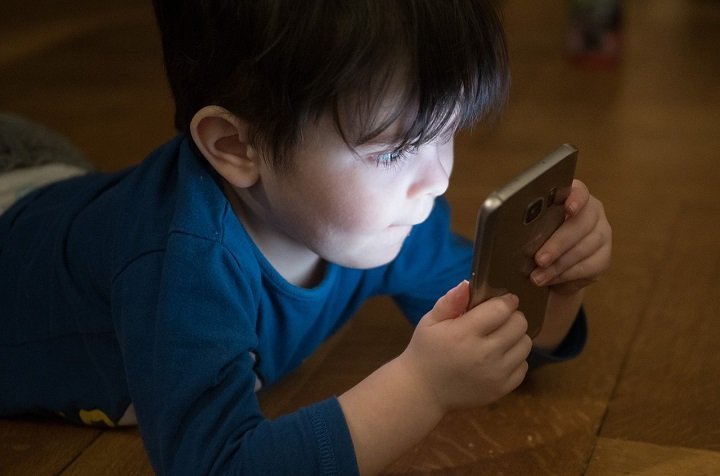
Toddlers learn best through movement, play, conversation, and hands-on exploration. If you choose an app, look for a simple, slow-paced, and interactive one. A more useful app encourages a child to identify sounds, match shapes, or listen to a story rather than one filled with rapid animation and rewards.
For toddlers, co-viewing a screen is particularly valuable. Sit with your child, talk about what is happening, and connect the activity to everyday life.
Preschoolers
Preschool children may enjoy apps that support:
- Storytelling and early literacy
- Phonics and vocabulary
- Counting and early math
- Puzzles and problem-solving
- Drawing and creativity
- Music and movement
- Simple science exploration
But don't let the app become the whole learning experience.
You can make app-based learning meaningful. When an app teaches shapes, ask your child to find circles and squares around the house. If it introduces a new word, use the word during the day. If it tells a story, ask your child what may happen next.
School-age children
Older children can use educational apps to practice school subjects, explore interests, or develop new skills.
Depending on your child's needs, you could look for apps related to:
- Mathematics
- Reading and writing
- Science
- Languages
- Coding
- General knowledge
- Creative expression
- Problem-solving
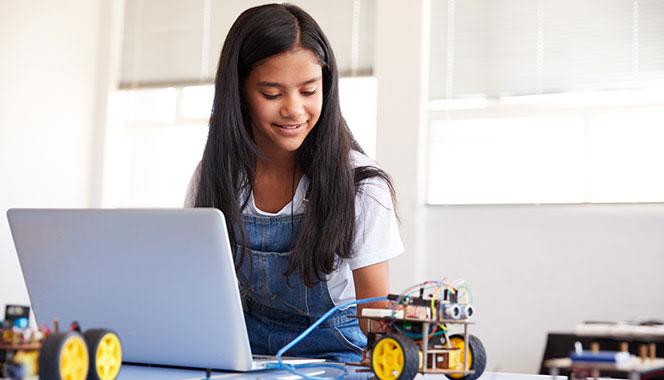
For children who enjoy creating, try using coding and storytelling apps. But remember to look for apps that encourage children to make, experiment, solve problems, and express their ideas.
For school-age children, asking, “Is this app educational?” is not enough. Instead, ask, “What does my child do with it?” Is your child creating, thinking, and experimenting, or merely collecting points and watching animations?
How can parents make learning apps more meaningful?
Some of the best learning can happen after you close the app.
Talk about it
Ask your child what they learned, what surprised them, or what they found difficult.
Take it into the real world
If the app introduces plants, look at plants outside. If it offers counting practice, count spoons or toys together.
Let your child teach you
Ask them to explain something they learned. Explaining a concept deepens understanding.
Follow their interests
If an app sparks curiosity about dinosaurs, space, or animals, use books, conversations, drawings, and outdoor experiences to explore the topic further.
Create something offline
A drawing, experiment, story, puzzle, or game can help children apply what they have learned from an app.
Play together when possible
Younger children need to be asked questions to help them connect what they have seen on the screen to the world around them.
What about screen time?
An educational or learning app is still screen time and does not justify unlimited screen time.
For children under five, screen use needs to be balanced with sleep, physical activity, outdoor play, free play, reading, or family interaction. For 3- to 4-year-olds, the World Health Organization recommends no more than one hour of sedentary screen time a day, with less being better.
So, rather than asking only, “How educational is this app?”, ask:
"What is my child giving up to use the app?"
Screen time does not always have to be ‘learning time’. Age-appropriate films and stories can also offer enjoyment, imagination, and opportunities for conversation, especially when children watch and talk about them with adults or friends.
Think about quality, not just minutes
One child could be creating a story, solving a problem, or exploring a new concept. Another might be passively watching or repeatedly tapping through rewards.
The number of minutes matters, and what happens during those minutes matters, too.
The best learning app may not be an app at all
Technology can be a useful learning tool when chosen thoughtfully. A well-designed app can give children opportunities to practice skills, explore ideas, and create.
But children do not need a screen for every kind of learning.
A learning app can introduce a new idea, help a child practice a skill, or spark curiosity. But children make those ideas their own through conversation, play, movement, relationships, and real-world experiences.
So, if an app interests your child, become curious by asking them questions about it and exploring it together. And give your child opportunities to use what they have discovered in the real world.
So, don't look for the app that promises to teach your child everything. Look for an app that supports what your child is already learning. And when they switch the screen off, explore the real world together.
Need more information? Trusted resources:
- World Health Organization: Guidelines on physical activity, sedentary behavior, and sleep for children under 5.
- National Association for the Education of Young Children: Technology and interactive media in early childhood.
Thinking of trying a learning app for your child? Read our guide on how to choose a safe and meaningful learning app.
Last updated on: July 31, 2026

























Comments
Edit
Comment Flag
Cancel Update